
Last Updated: 05/22/2019
Company Setup / Company communication setup
Communication Setup
It is essential to keep your company’s phone numbers, fax numbers, and email addresses up to date in the Med-Stop system. This information is used in reports, forms, and to ensure effective communication between Med-Stop and your company.
To update your messaging information, navigate to Company > Company Communication Setup from the main Med-Stop menu. A new window will open displaying your current contact details, where you can edit and update the information as needed.
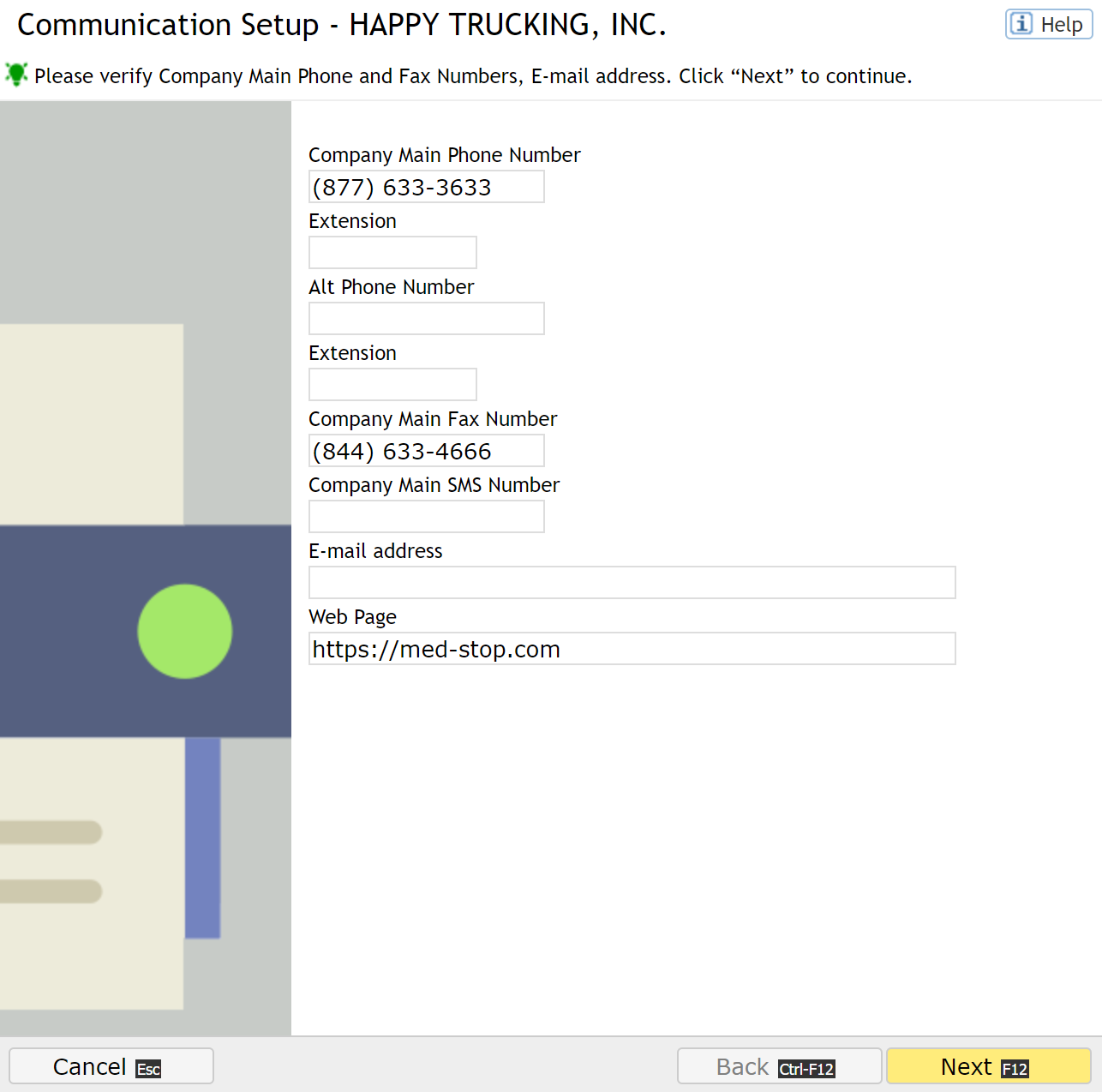
Review Company Contact Information
As part of your communication setup, review and verify all company contact details, including:
- Contact phone numbers
- Fax numbers
- Email addresses
Secured Fax Number
All drug test results certified by the Medical Review Officer (MRO) are faxed to the company’s secured fax number. It is critically important to keep this number operational and protected to maintain data security and regulatory compliance.
Notification Setup
Med-Stop can send automated notifications related to the testing process. The following alerts can be enabled:
Employee Added by Test Site
When a test is performed at a Med-Stop site and an employee identifies your company as their employer, the employee is added to your account as a new applicant. Review this information to verify the applicant’s validity.
Employee Test Completed
Receive a notification when an employee completes a test at a Med-Stop site. This notification does not include test results—log in to Med-Stop to view full details.
Drug Test MRO Result
Receive a notification when the MRO finalizes a drug test result. You must log in to Med-Stop to retrieve the full test result.
Test Collection Refusal
If an employee refuses a test, the Designated Employer Representative (DER) must be notified. While the collector typically informs you, enabling this notification helps speed up communication.
Receipt After Employer-Paid Test
If an employee uses your company’s Med-Stop credit to obtain services, a notification and service receipt will be sent to you.
Med-Stop System Alerts
Important system alerts can be delivered to your phone, email, or fax without requiring you to log in to the Med-Stop platform.